
Amberley Primary School
Computing
Computing at Amberley Primary
Curriculum Intent
At Amberley Primary School, we recognise that pupils are living in a rapidly changing world, in which ICT is playing an ever-increasing role. We aim, therefore, to equip children with the skills to adapt to new technology and to give them confidence to use ICT and computing skills to further their learning and assist them in everyday life.
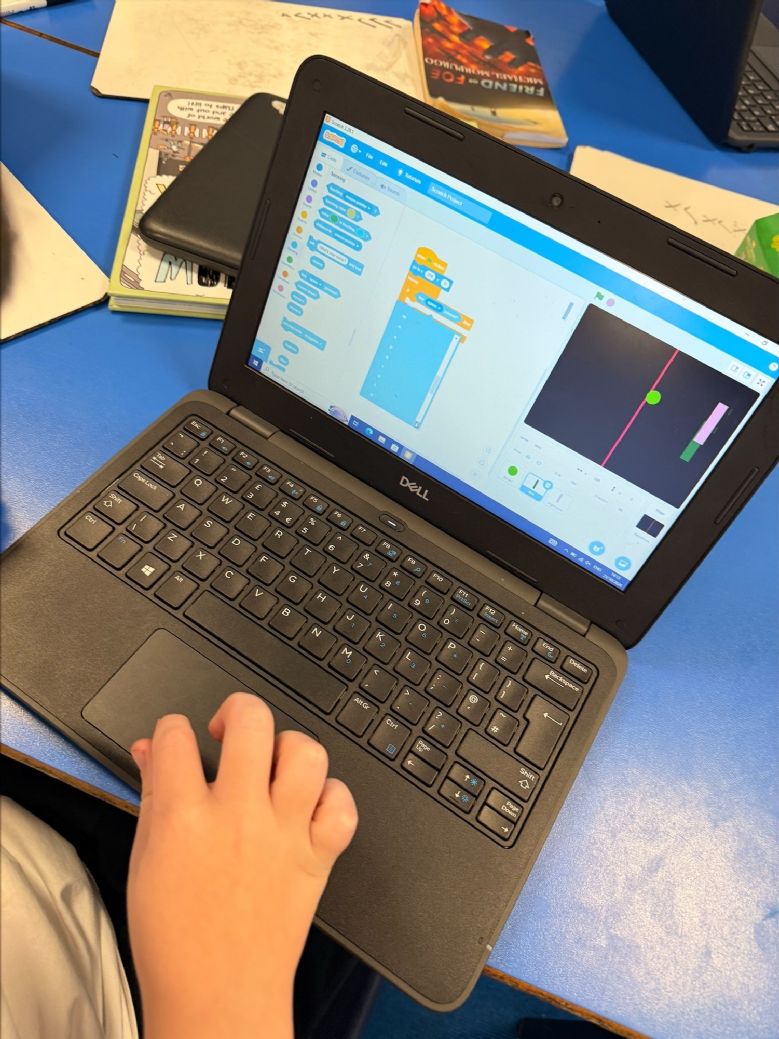
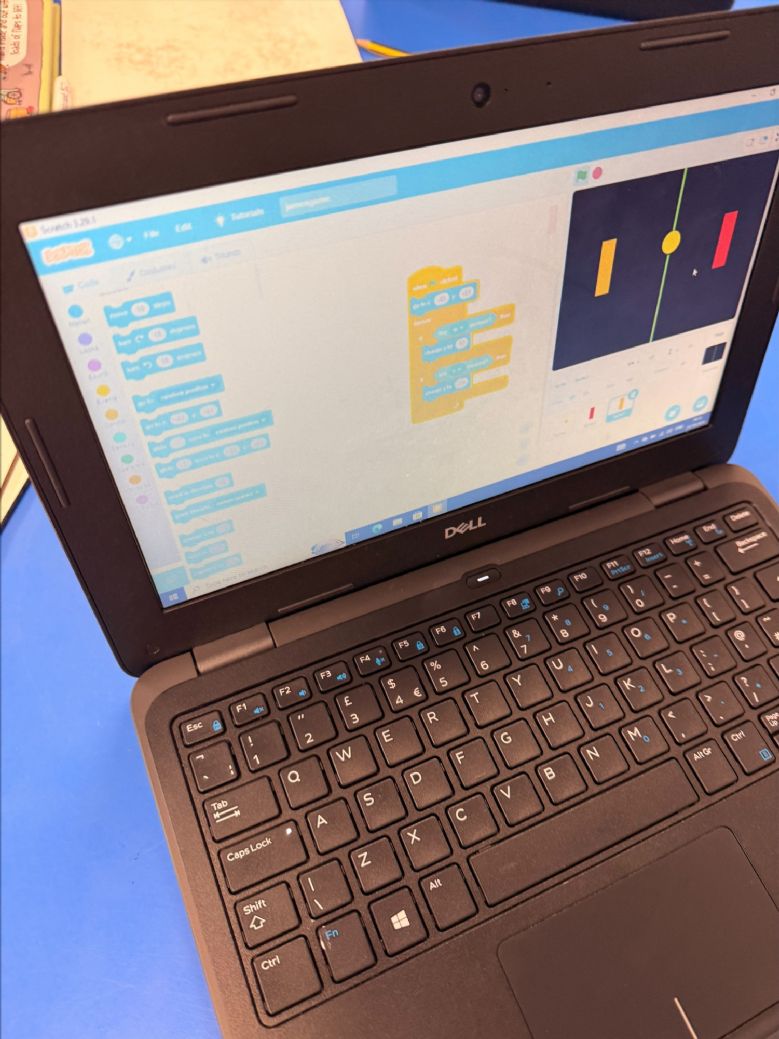
Building on this knowledge and understanding, pupils are equipped to use information technology to create programs, systems and a range of content. Computing also ensures that pupils become digitally literate. This means they are able to use, and express themselves and develop their ideas through, information and communication technology, at a level suitable for the future workplace and as active participants in a digital world. Our curriculum has been designed to incorporate uses of technology such as Microsoft Word, PowerPoint, Scratch and Scratch Jr., Kodu, Logo, SketchUp, as well as a variety of iPad applications.
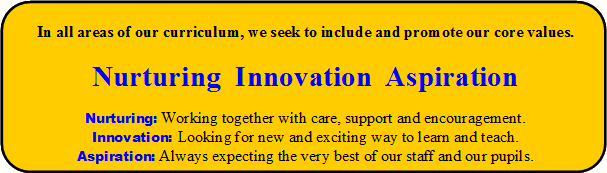
As detailed in our overall curriculum intent, the teaching of Computing at Amberley embraces all three of our core values: nurturing, innovation and aspiration. By focussing on these three key priorities at the heart our curriculum we believe our children will be ready to successfully meet the challenges of the next stages of their education.
Aims
The school’s aims are to:
- Provide a broad, balanced, challenging and enjoyable curriculum for all pupils.
- Develop pupil’s computational thinking skills that will benefit them throughout their lives.
- Meet the requirements of the national curriculum programmes of study for Computing at Key Stage 1 and 2
- To stimulate interest in new technologies.
- To equip pupils with the confidence and skills to use digital tools and technologies throughout their lives.
- To enhance and enrich learning in other areas of the curriculum by cross curricular use of ICT
- To develop the understanding of how to use computers and digital tools safely and stay safe online.
Our core values are the Golden Threads of our computing scheme:
- Nurturing – We aim to develop the children’s respect and courage to use technology responsibly, positively and safely. We support children to have positive friendships and be considerate of others.
- Innovation – We aim for the children to be creative and to use their prior and current learning to further their computing knowledge and skills. We encourage them to create unique pieces of work and solve problems using logical thinking and self evaluation.
- Aspiration – We aim to develop skills that are fully transferable to allow children to become digitally literate now and in their futures.
Curriculum Implementation
After the implementation of this computing curriculum, children at Amberley Primary School will be digitally literate and able to join the rest of the world on its digital platform. They will be equipped, not only with the skills and knowledge to use technology effectively and for their own benefit, but more importantly, safely. The biggest impact we want on our children is that they understand the consequences of using the internet and that they are also aware of how to keep themselves safe online.
As children become more confident in their abilities in Computing, they will become more independent and key life skills such as problem-solving, logical thinking and self-evaluation become second nature.
Teachers use their observations, as well as scrutiny of completed work on the Microsoft Drive and the Amberley server, to assess who has met or not met the intended outcomes of a lesson. These children then receive in class support from the class teacher or further support from their peers. This information can also be used to inform groupings of the children the following lesson, enabling teachers to have a clear focus on supporting the needs of individual children. The curriculum is designed to be sequential, building on areas worked on in previous years, allowing children to build on their previous skills and allowing peer to peer support across many areas of the curriculum.
Teachers assess children’s progress within the computing curriculum against an agreed set of school expectations for each year group using the Sonar assessment system, which has been specifically adapted to the requirements of the curriculum by North Tyneside Schools. The expectations of children are high and we strive to best equip children for use of the technology throughout their lives both academically and socially. Assessment is then analysed by the Computing leads and data is discussed with staff.
Here is the overview of our Computing curriculum.
/_site/data/files/users/24/files/7375E3E8EC4965F422349767B68D8103.pdf
Our Work
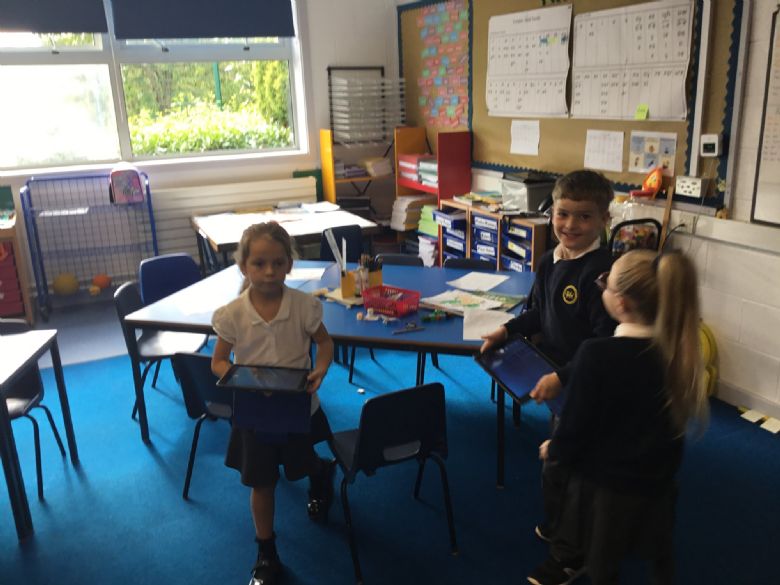
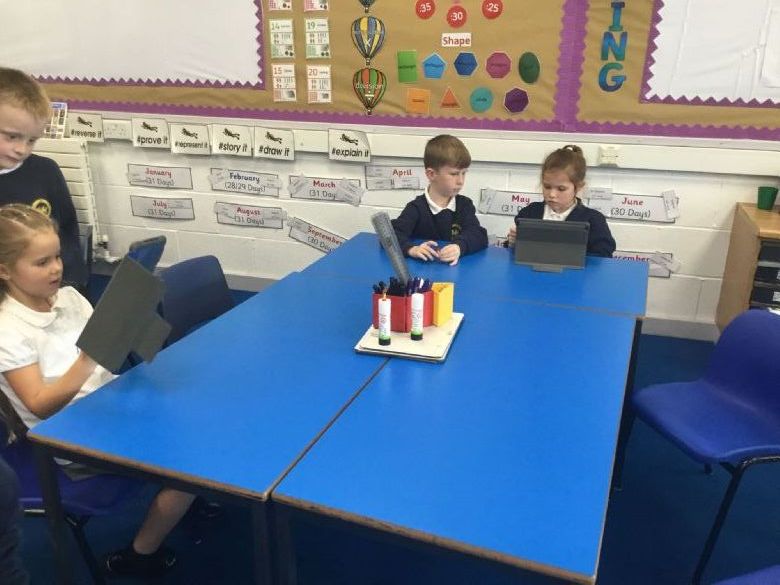
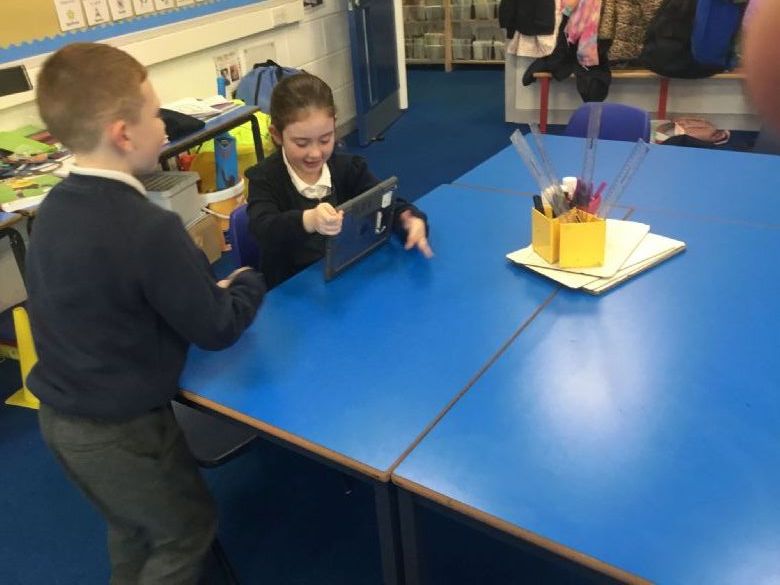
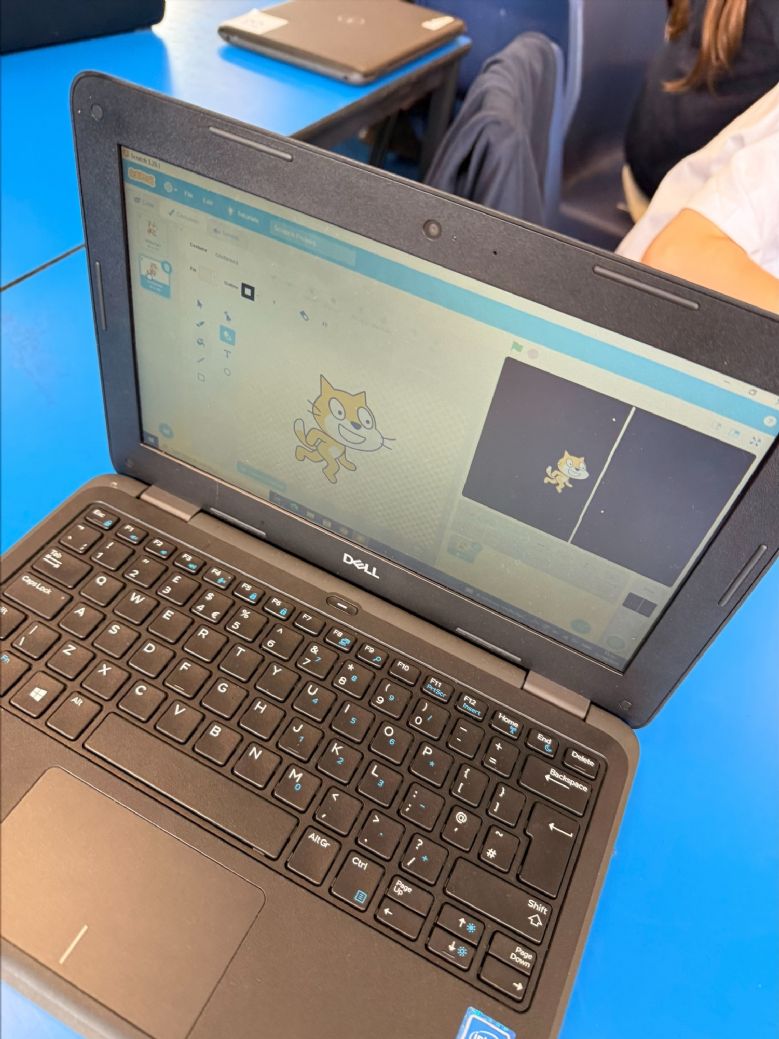
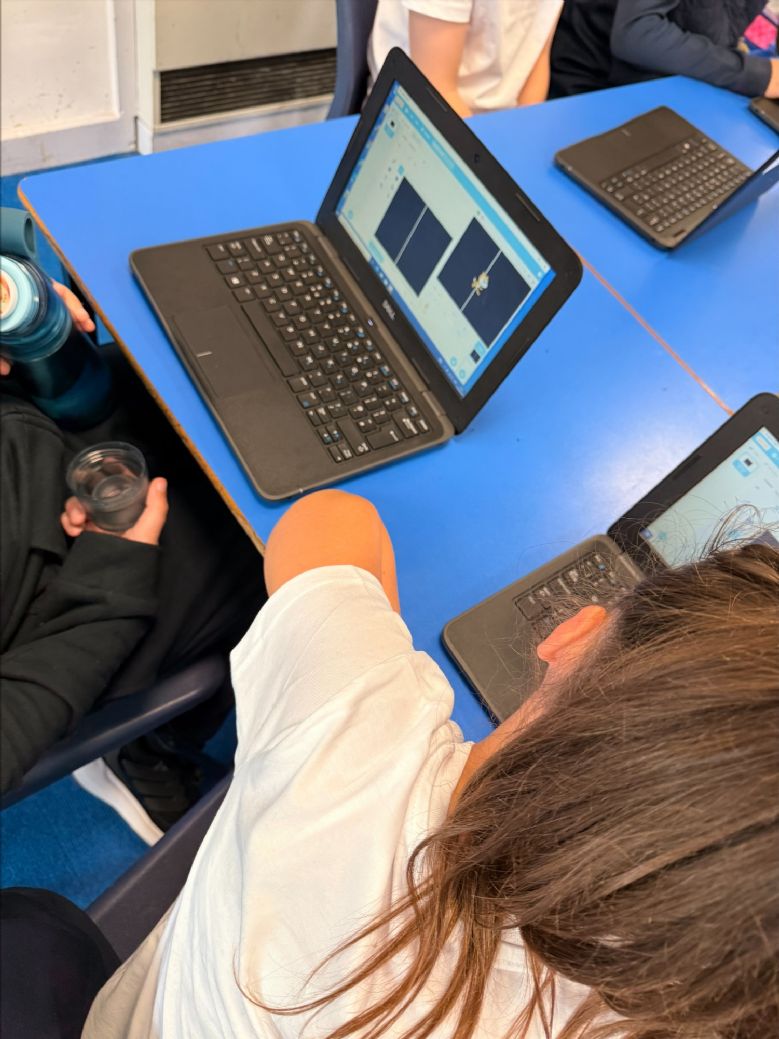
Here are some photos of us working in our Computing lessons.
Year 2
Year 5
E-Safety
Online safety is an important and integral part of our Computing curriculum. We want all children to develop the knowledge and skills they need to use technology safely, responsibly and respectfully. Throughout their time at school, children learn how to stay safe online, protect their personal information, recognise potential risks and know what to do if something makes them feel uncomfortable. Every class has a dedicated online safety lesson each half term, ensuring that children regularly revisit and build upon their understanding as they grow and become more confident users of technology. We also encourage children to talk openly about their online experiences and understand how to make positive choices in the digital world.
For guidance and support around online safety on devices at home, please see our dedicated E-Safety page.
There are also some useful websites below.
KS1 Curriculum Club
In the summer term KS1 had a great time at the Computing curriculum club using the Sphero Indi cars. They enjoyed using the coloured tiles to move Indi around. They also drew maps and made building and roads using construction materials and then coded Indi to travel around them.
Policies
Relevant policies can be found here.